> ## Documentation Index
> Fetch the complete documentation index at: https://developers.criteo.com/llms.txt
> Use this file to discover all available pages before exploring further.
# Managing my organization
This article will explain you how to edit your organization information.
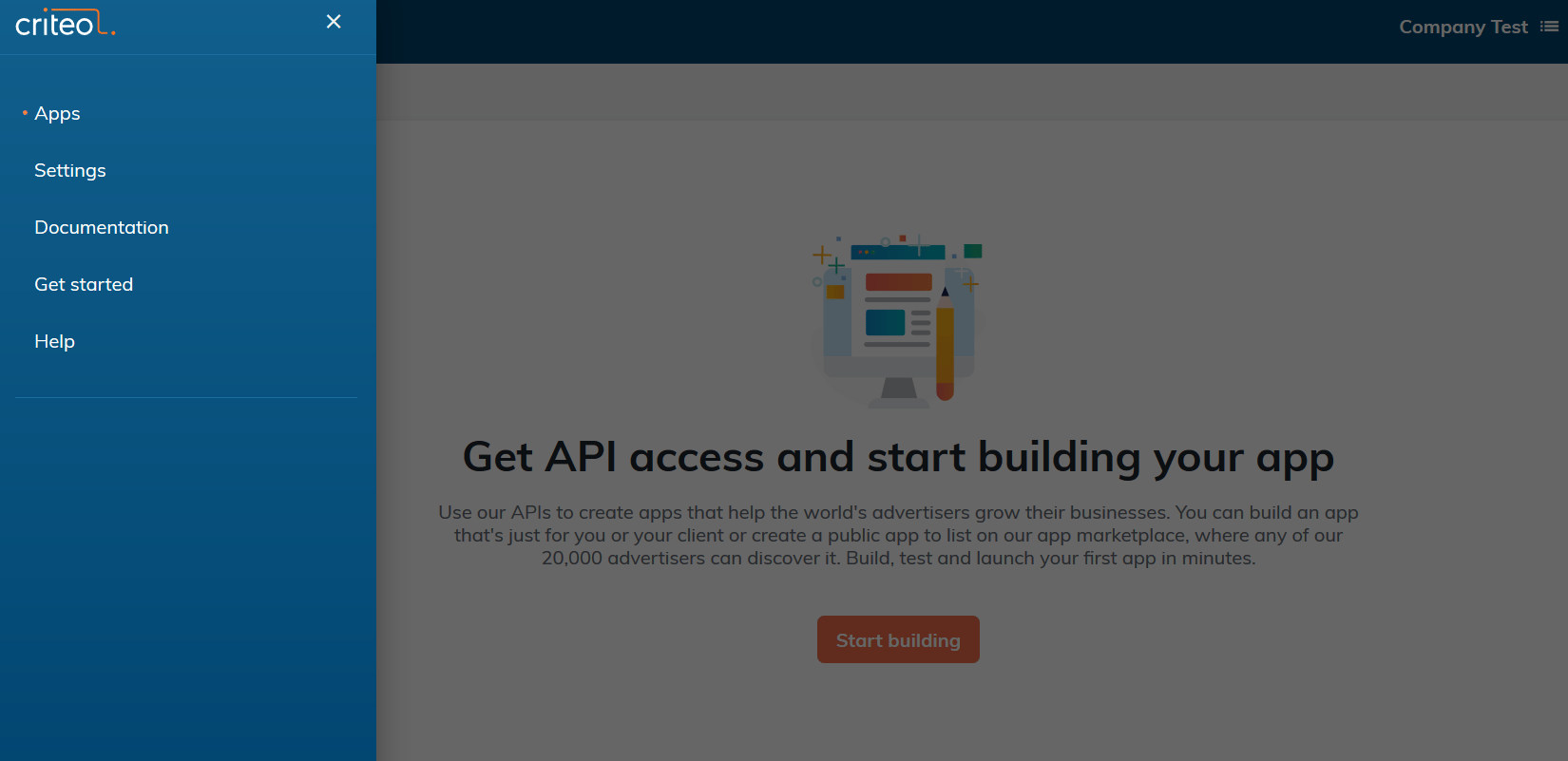
1. Click on the top left corner menu and select Settings
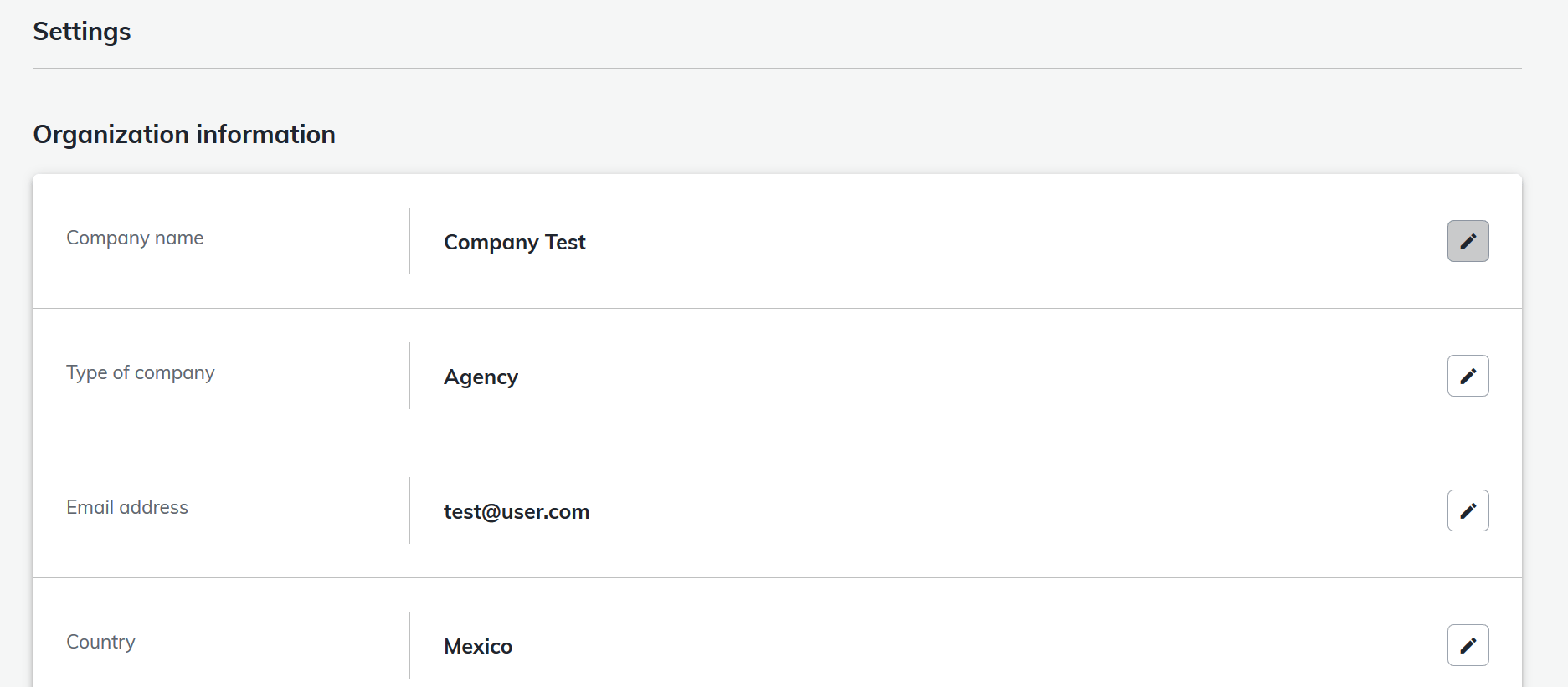
 2. Click on the pencil logo to Edit your current Organization information and save your changes
 3. If you want to change another Organization information
1. Go back to the My Apps screen
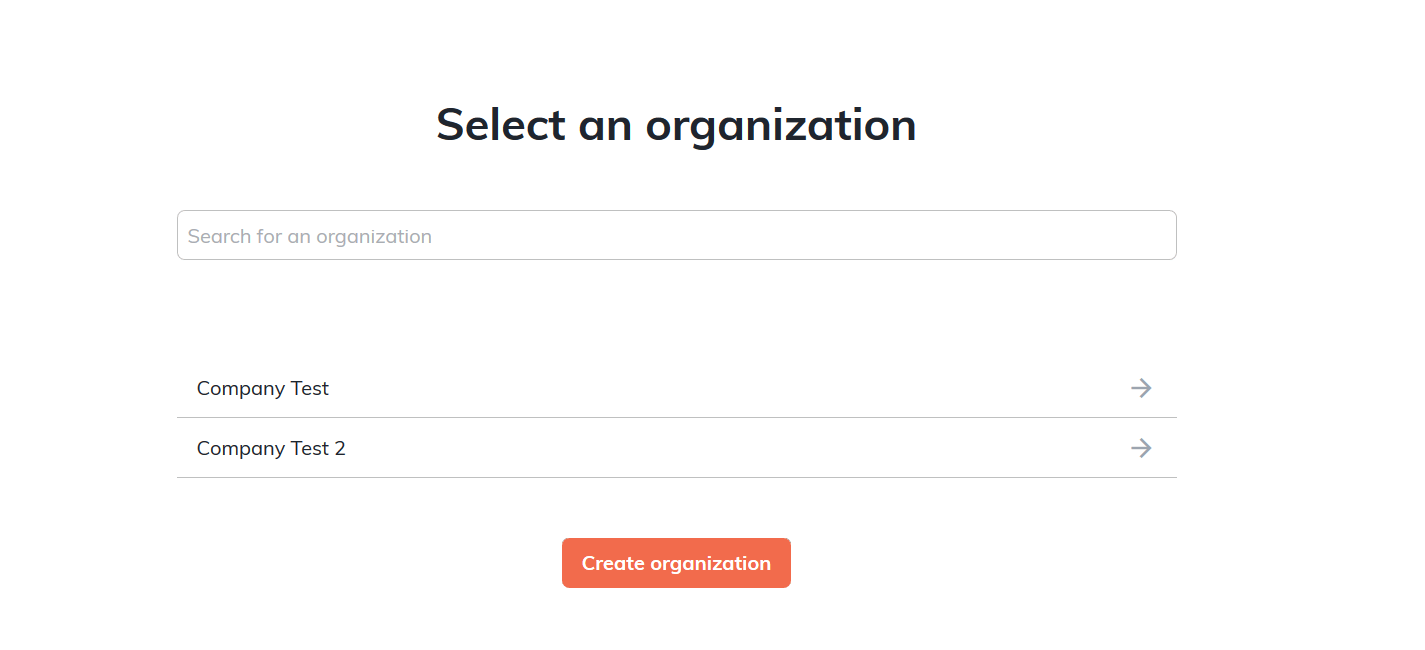
2. Select the Organization in the Organization screen accessible at the top right corner
3. If you want to change another Organization information
1. Go back to the My Apps screen
2. Select the Organization in the Organization screen accessible at the top right corner
 3. Change the Organization
 4. Follow steps 1 and 2
If you have any question about required fields please see the [Create your organization](/marketing-solutions/v2020.07/docs/create-your-organization) guide.
***
**What’s Next**
* [Managing my app](/marketing-solutions/v2020.07/docs/managing-my-app)
4. Follow steps 1 and 2
If you have any question about required fields please see the [Create your organization](/marketing-solutions/v2020.07/docs/create-your-organization) guide.
***
**What’s Next**
* [Managing my app](/marketing-solutions/v2020.07/docs/managing-my-app)