> ## Documentation Index
> Fetch the complete documentation index at: https://developers.criteo.com/llms.txt
> Use this file to discover all available pages before exploring further.
# Managing My Organization
This article will explain how to edit your organization's information.
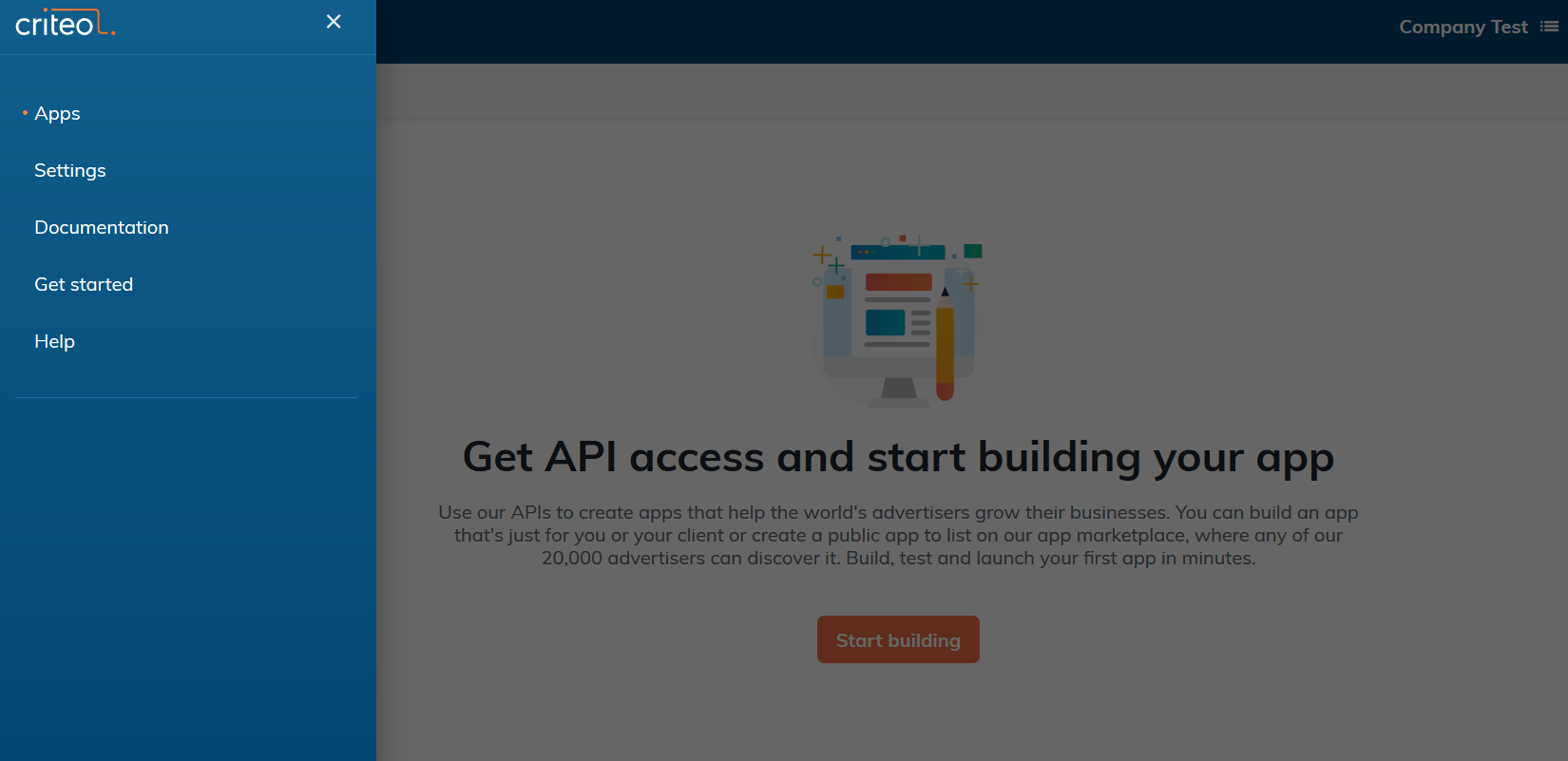
1. From the navigation, select Settings
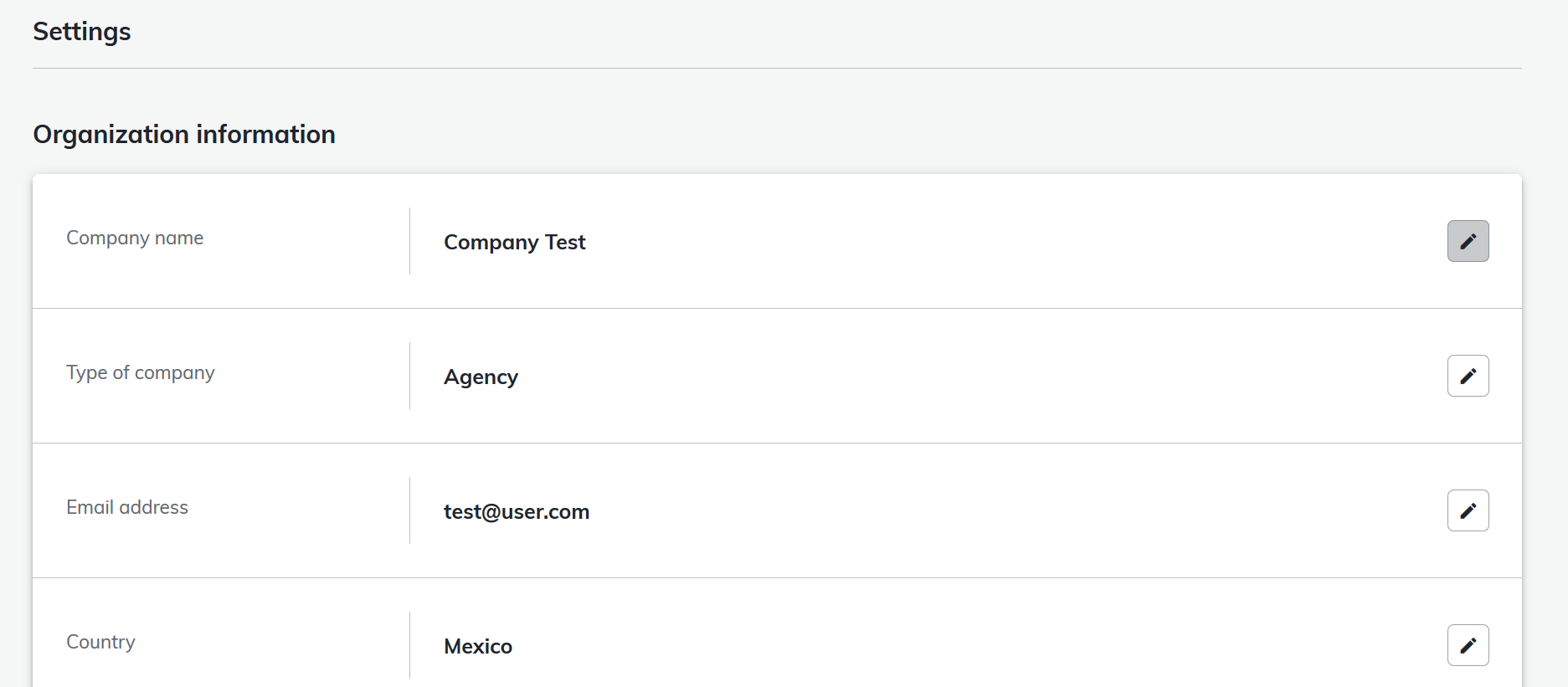
 2. Click the pencil logo to edit your current organization information and save your changes
 3. If you want to change another organization's information
1. Go back to the My Apps screen
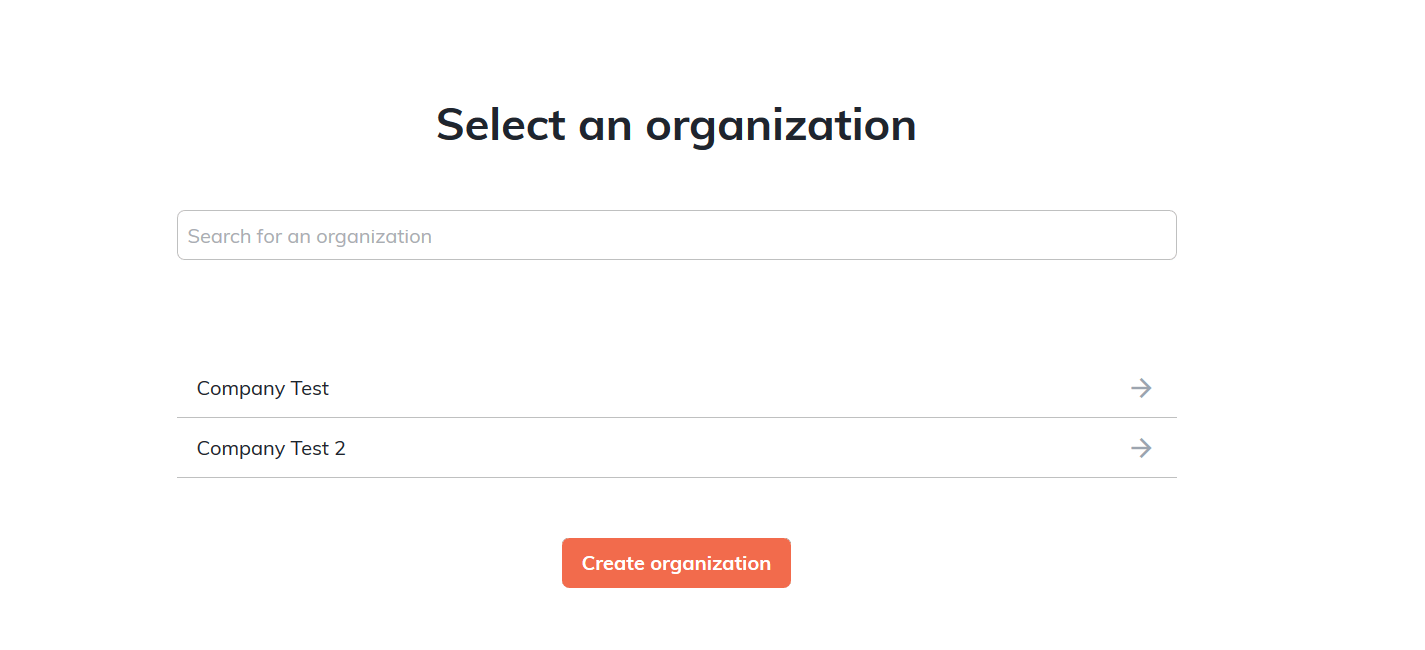
2. Select the Organization in the Organization screen accessible at the top right corner
3. If you want to change another organization's information
1. Go back to the My Apps screen
2. Select the Organization in the Organization screen accessible at the top right corner
 3. Change the Organization
 4. Follow steps 1 and 2
If you have any question about the required fields, see the [Create your organization](/marketing-solutions/v2025.10/docs/create-your-organization) guide.
4. Follow steps 1 and 2
If you have any question about the required fields, see the [Create your organization](/marketing-solutions/v2025.10/docs/create-your-organization) guide.