

 You can invite new teammates directly from here. On the Team page, you can see users with pending invitations. You can resend invitations to those who haven’t accepted yet.
You can also manage users and revoke access.
Log in here to create your organization and invite your team to get started with the API.
You can invite new teammates directly from here. On the Team page, you can see users with pending invitations. You can resend invitations to those who haven’t accepted yet.
You can also manage users and revoke access.
Log in here to create your organization and invite your team to get started with the API.[Developer Dashboard] Invite your teammates to collaborate with you
You can now grant your teammates access to your organization through the Developer Dashboard.
Now your team can collaborate, create, and manage apps in the same organization. This new feature gives your team a centralized way to manage API connections with Criteo.
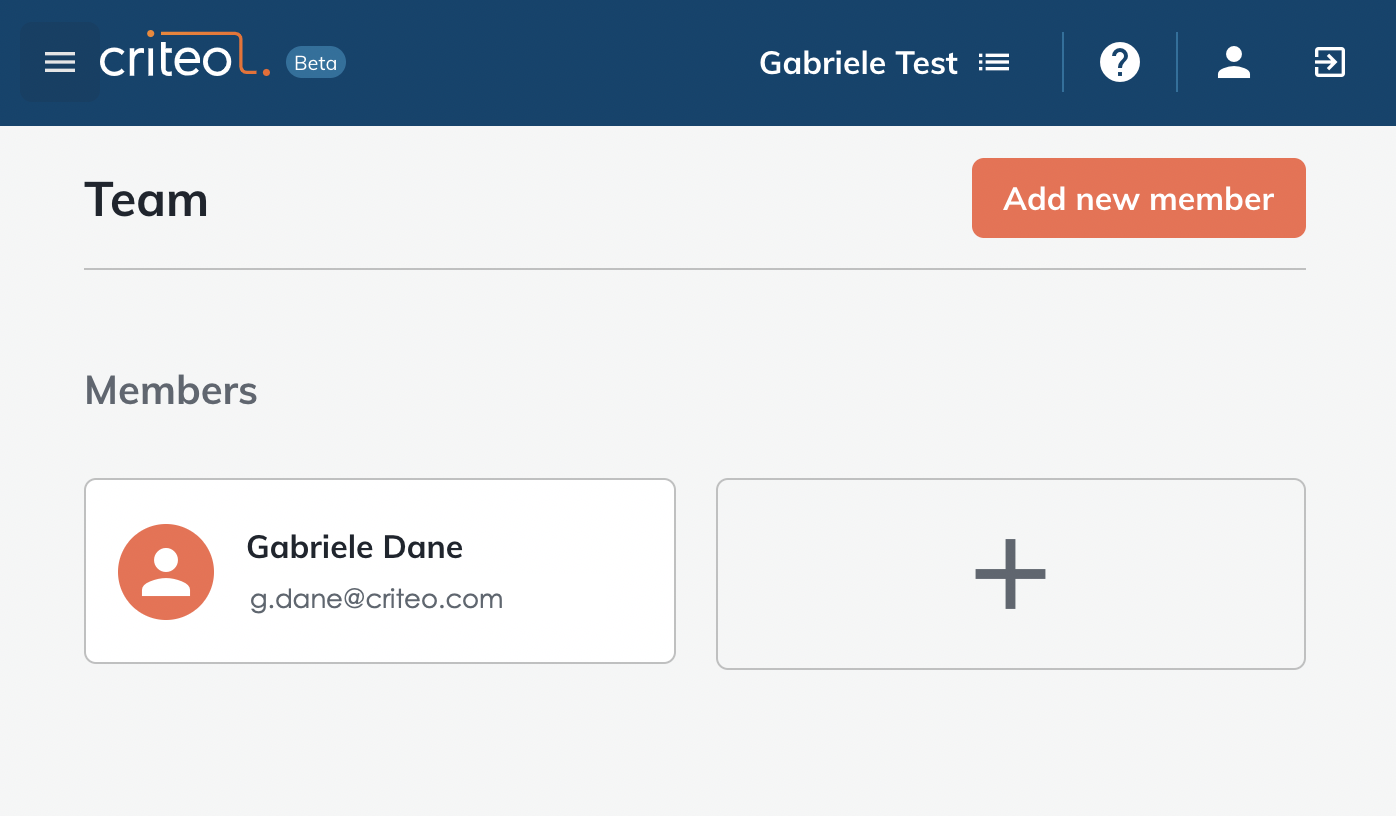
From the navigation bar, go to the Team page. From there, you can invite new users to your team and manage your existing teammates.
You can invite new teammates directly from here. On the Team page, you can see users with pending invitations. You can resend invitations to those who haven’t accepted yet.
You can also manage users and revoke access.
Log in here to create your organization and invite your team to get started with the API.
You can invite new teammates directly from here. On the Team page, you can see users with pending invitations. You can resend invitations to those who haven’t accepted yet.
You can also manage users and revoke access.
Log in here to create your organization and invite your team to get started with the API.