

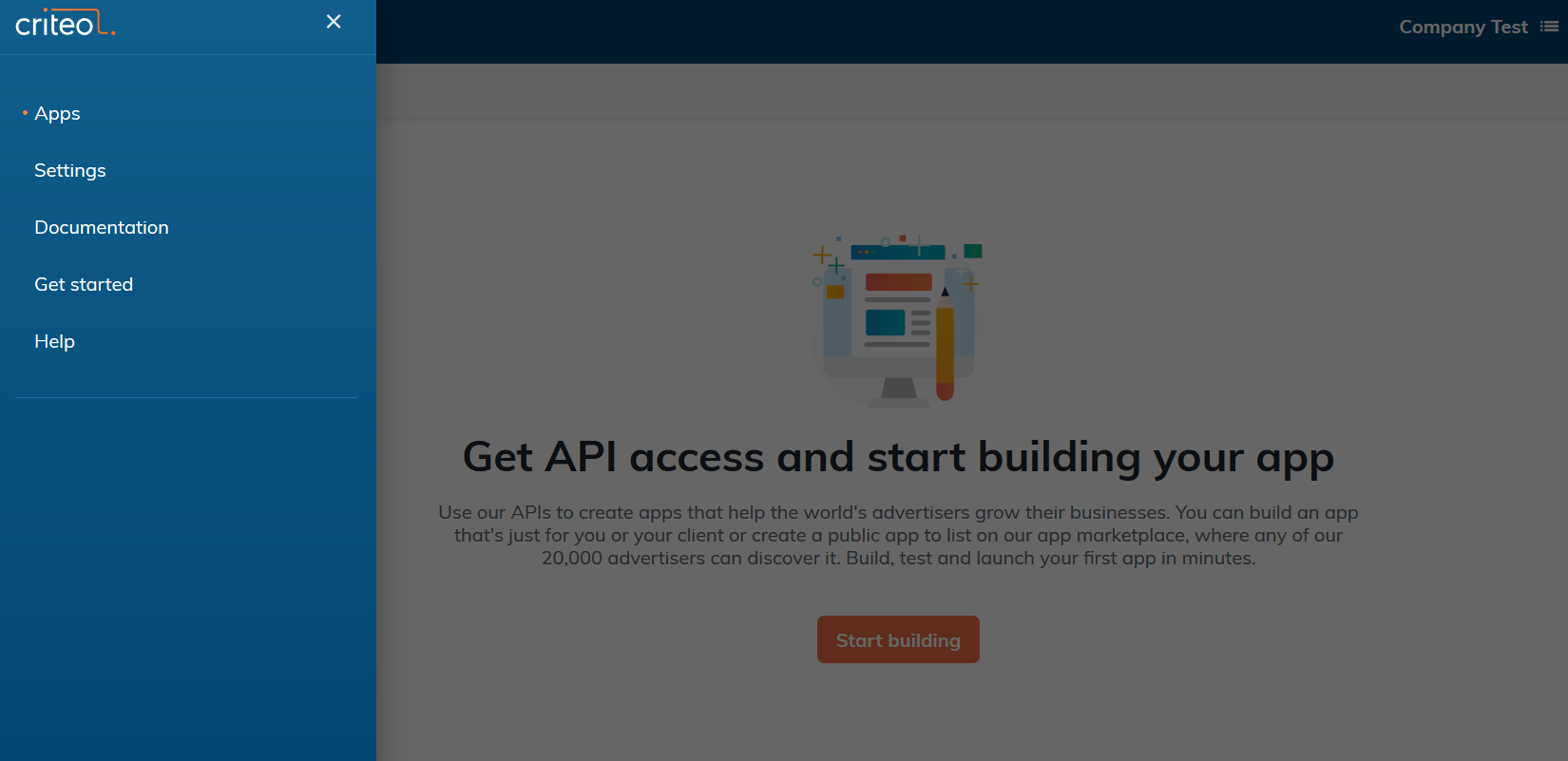
- From the navigation, select Settings
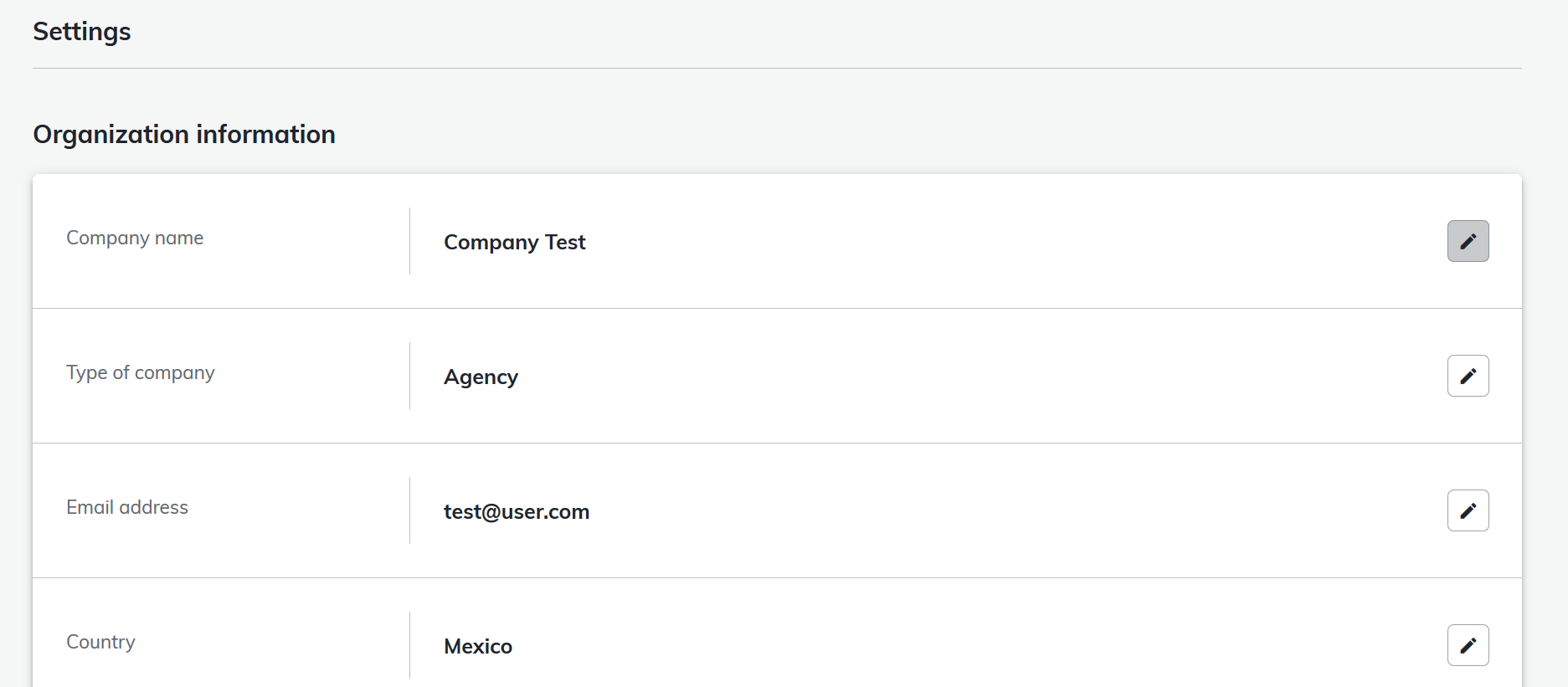
- Click the pencil logo to edit your current organization information and save your changes
-
If you want to change another organization’s information
- Go back to the My Apps screen
-
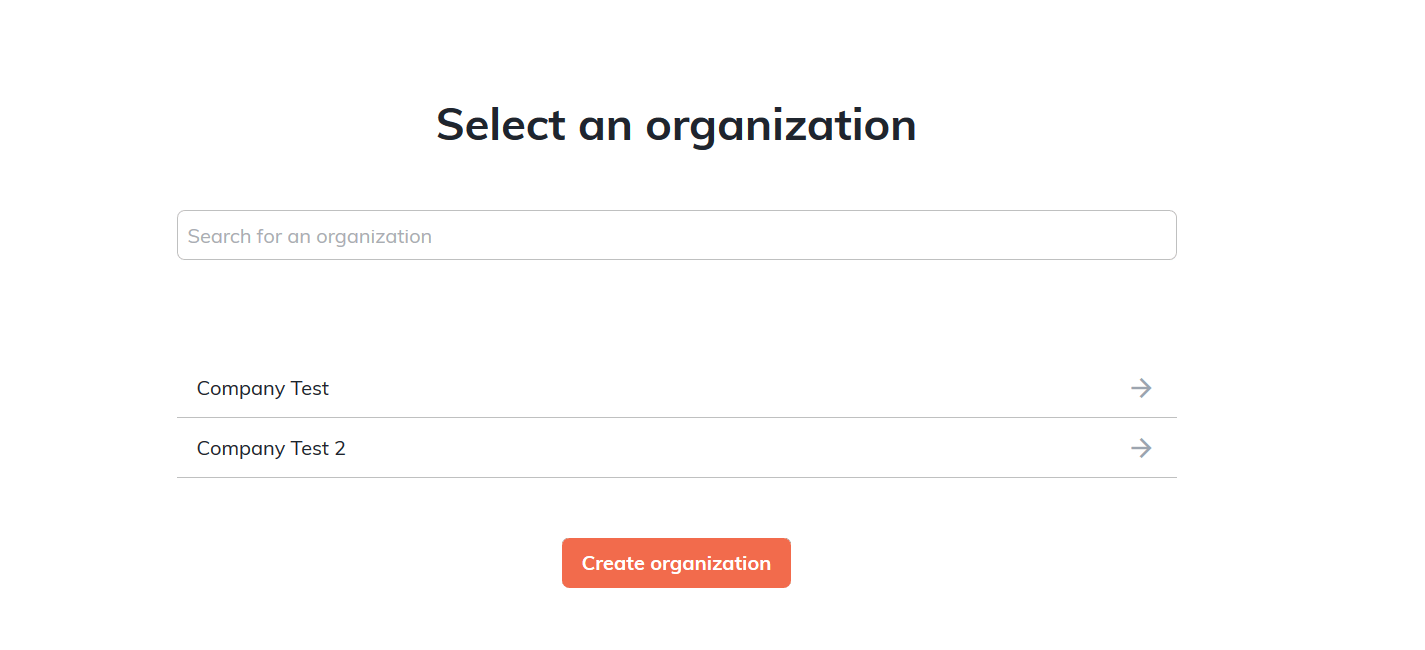
Select the Organization in the Organization screen accessible at the top right corner

-
Change the Organization
- Follow steps 1 and 2