

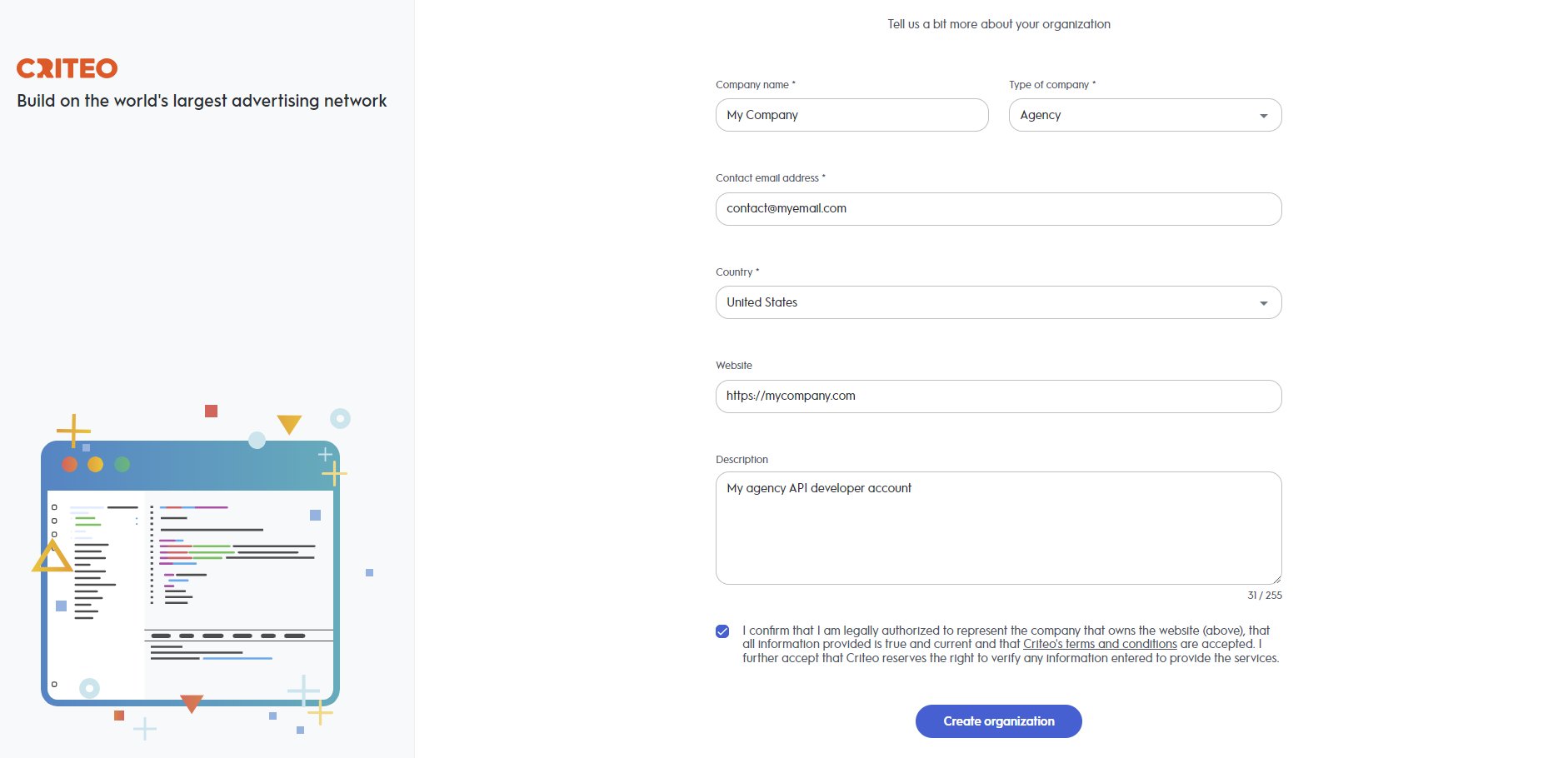
Create an Organization screen after setting up your Criteo account.
-
Company Name
- Enter your company name, country, type, and email. We will use this email to send important Criteo API updates, including new features and critical changes. Please ensure that your company has a clear and identifiable name, as this greatly assists our teams in providing faster and more effective support during troubleshooting.
-
Other Optional Details
- You can also provide your website and a brief company description. This helps us get to know your business better, ensuring we can offer more tailored services.
-
Once your organization is registered, you will be redirected to the
My Appspage in the Partner Portal. A confirmation email will be sent to verify your email address. After confirming, you’ll be able to start building your first API application. Please note that by proceeding to this step, you acknowledge and agree to our API Terms and Conditions.
- Click on the organization button on the top right corner of the My Apps screen
- An organization screen will open. You will be able to switch between different organizations. Create a new one by clicking on Create an organization
- Now you should see the new organization you just created!