

Overview
Criteo serves personalized ads to mobile app users that have high probability of clicking through and making a purchase. Criteo technology is based on real-time product recommendation optimization and prediction engines. In order to enable its technology, Criteo needs:- App Events — App events and relevant data correctly captured on your mobile app.
- Deep Linking Capability — Product level deep link capabilities in app to take users back to the products they clicked on.
- Catalog Feed — A CSV or XML file (called Catalog Feed) containing product information of a large portion of your mobile app’s offers.
- Integration
- Required events and parameters
- Implementation guidelines
Integration Steps
App Events & Data
SDK Initialization
Set up and initialize the Branch SDK as recommended by the Branch standard documentation.Find additional SDK Setup documentation here.
Branch SDK Initialization
Ensure that the Branch SDK is initialized indidFinishLaunching.
Track Session Start and App Deeplink Launch
Ensure to track the App Launch and App Deeplink Launch events.Events Implementation in the App
Criteo requires the implementation of the following events:
Below is a table of Branch Event Name constants and how they map to Criteo events.
Branch Universal Objects
The Criteo integration with Branch relies on the creation ofBranchUniversalObjects through the Branch SDK. An array of BranchUniversalObjects should be sent with all events (except app open). BranchUniversalObject represent the product that the user has viewed or purchased and have an associated product id, price, and quantity.
View Home
TheviewHome event is automatically sent once Criteo has been activated on the app. It is triggered for each new user session.
View Listing
TheviewListing event should be triggered on pages displaying product lists like a category page or a search results page for Retail, and travel search results page for Travel. You must include the IDs of the top three products displayed in the list by setting the BranchUniversalObject name to the ID. These IDs must match those passed in the catalog feed.
For travel apps, you must send check in (Date1) and check out (Date2) information along with the event.
View Product
TheviewProduct event should be triggered on all product-details pages. You must include the ID of the product detailed on the page via the BranchUniversalObject name, and send the BranchUniversalObject with the event. It must be the same ID as used in the catalog feed, and must be unique.
View Basket
The viewBasket event should be triggered on the basket-details pages for Retail and when a user begins entering booking details for Travel. You must include the IDs, prices, and quantities of the basket’s products via theBranchUniversalObjects array.
Track Transaction
The trackTransaction event should be triggered on order confirmation pages for Retail and booking confirmation pages for Travel. For Retail, you must include a unique transaction ID as well as the IDs, prices, and quantities of the products bought in the transaction via theBranchUniversalObjects array. For Travel, transaction ID is not required.
UI Status
TheStatus should be triggered every time the user opens the app or user status has changed. You must include the status value of the updated status with the event.
UI Level
TheLevel event should be triggered every time the user opens the app or levels up. You must include the level value of the new incremental level reached.
UI Achievement
TheAchievement event should be triggered every time the user unlocks a new achievement. You must include the name of the achievement.
Extra Data
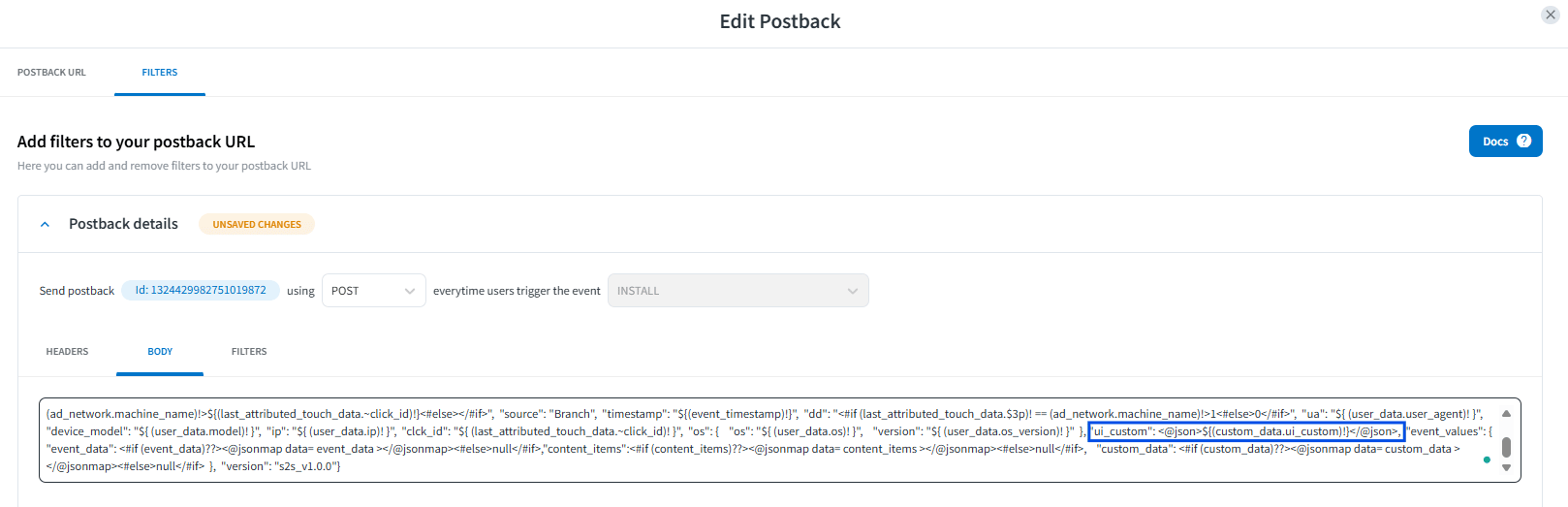
The Branch Event allows you to add any key-value pairs via theaddCustomDataProperty method. To include extra data in the Criteo postback, you must add the extra data in the event. For example, to send the extra data ui_custom in the viewProduct event:
Customer ID
A Customer ID can be provided in all events. Use the following code snippet to implement:Recommended Events per Vertical
Testing Process
Once all events have been implemented, you should contact your Criteo representative to begin the testing phase. Criteo requires the following elements:- App build to test the collection of events on Criteo side.
- If testing remotely, the IDFA of the test device.
- Deep link example (homepage & product detail).